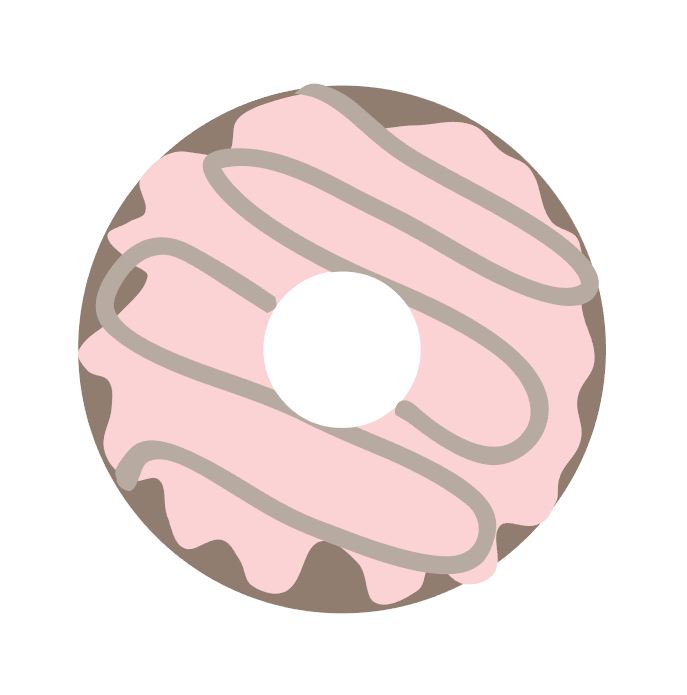
How to Create a Donut Using Basic Shapes on Silhouette Studio
Hello Everyone,
Today, I am back to show you how to create things with basic shapes using Silhouette Studio. Will this affect Cricut users? No, not at all. If anything, it can help Cricut users to make their own SVGs much more effectively. If you look at previous Cricut videos, you are not able to move things as effortlessly. However!!! Using Silhoiuette Studio, which is not only free, you are able to create amazing things, convert them into SVGs, and use your Cricut to cut everything.
As the weeks go on, you will learn more and more that can be applied to your Cricut while learning how to use the Silhouette Software. Do you need a Sihoeutte cutting machine? Also no. I am just teaching you to better optimize your abilities with what you have. If you have any questions, please feel free to let me know.
Valuable Info:
Blog: https://www.uniquedesignsbymonica.com/
Store: https://www.silhouettedesignstore.com/marketplace/seller/profile/shop/unique-designs-by-monica
Other Info: Where to Download Silhouette Software: https://www.silhouetteamerica.com/software
How to set up Silhouette Software Tutorial: https://www.youtube.com/watch?v=Mn3ntSexDKc&t=39s
Convert Studio files to SVGs Tutorial: https://www.youtube.com/watch?v=tHPam62985w
Convert Studio Files to SVGs: http://www.ideas-r-us-software.uk/FileConverters/SilhouetteStudioConverter.aspx Convert SVGs to PNGs: https://www.canva.com/features/svg-to-png-converter/