How To Create Pattern Paper Using Basic Shapes
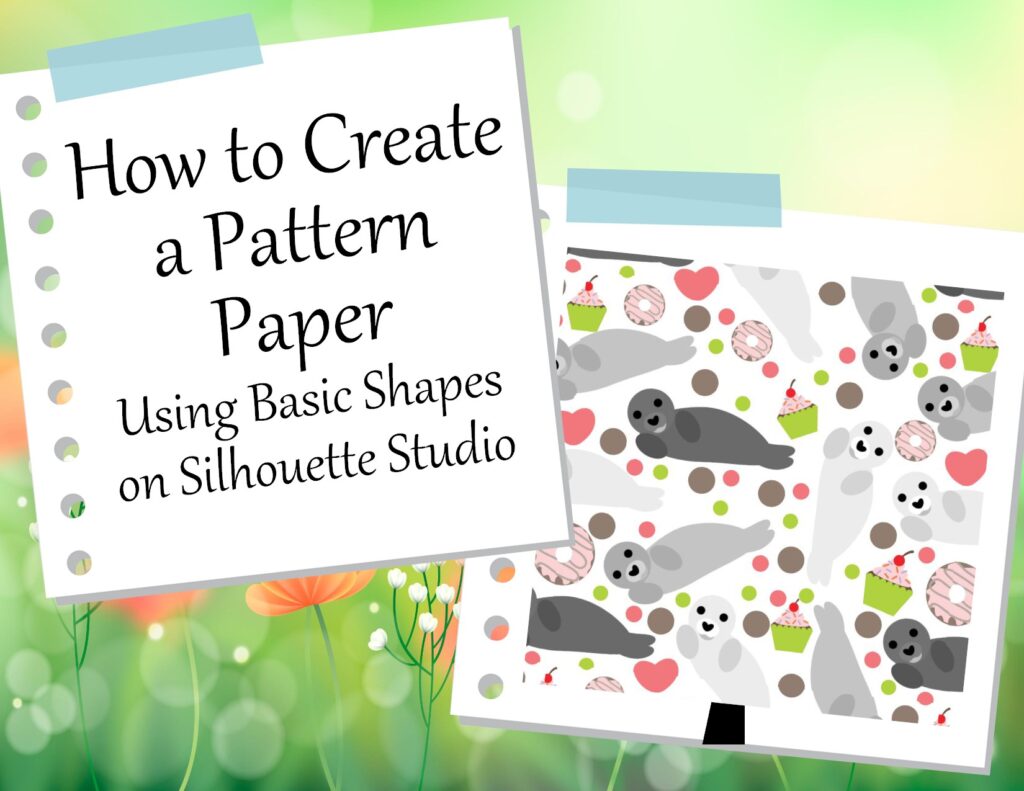
“Today is the day” to ignite your creativity with easy, inspiring DIY projects! Whether it’s crafting seasonal decorations. How, you may ask? Today, I’ll show you how to export an SVG from a Studio file. This video will blow your mind with how to make your own pattern paper and SVGs, and how to apply them to products. However, is it just about pattern paper? No, not at all. Use this knowledge to make your own SVG for any seasonal decoration. Which is what I have been teaching you so far. Apply it to your ever-growing stockpile of SVGs.
Video:
Other intresting sites:
Where to Download Silhouette Software: https://www.silhouetteamerica.com/software
How to set up Silhouette Software Tutorial: https://www.youtube.com/watch?v=Mn3ntSexDKc&t=39s
Convert Studio files to SVGs Tutorial: https://www.youtube.com/watch?v=tHPam62985w
Convert Studio files to SVGs: http://www.ideas-r-us-software.uk/FileConverters/SilhouetteStudioConverter.aspx
Convert SVGs to PNGs: https://www.canva.com/features/svg-to-png-converter/