Tutorials - Silhouette
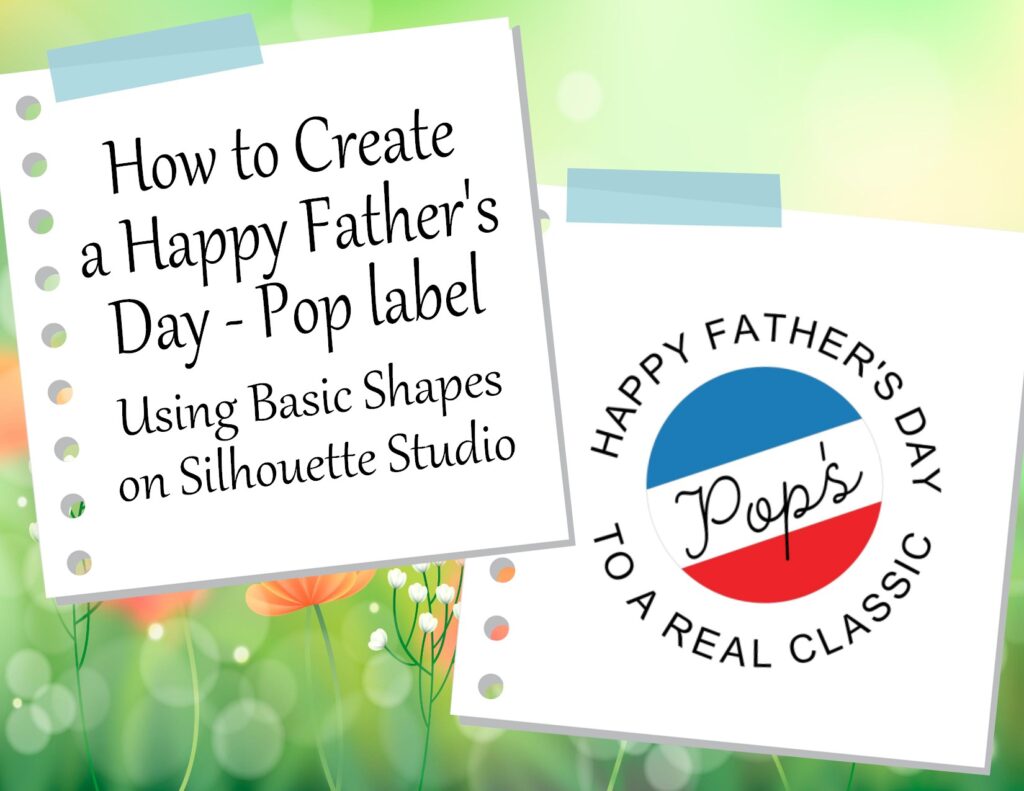
How to Create a “Happy Father’s Day – Pops” Using Basic Shapes on Silhouette Studio
Looking for DIY gift ideas for Father’s Day? Why keep looking? Just make it yourself. If you are looking for SVGs that will work with Cricut. You can still use it even if you use Silhouette Studio software. Just check out how to convert a studio to SVG below.
Where to Download Silhouette Software: https://www.silhouetteamerica.com/software
How to set up Silhouette Software Tutorial: https://www.youtube.com/watch?v=Mn3ntSexDKc&t=39s
Convert Studio files to SVGs Tutorial: https://www.youtube.com/watch?v=tHPam62985w
Convert Studio files to SVGs: http://www.ideas-r-us-software.uk/FileConverters/SilhouetteStudioConverter.aspx
Convert SVGs to PNGs: https://www.canva.com/features/svg-to-png-converter/
Monica
0
Tags :